
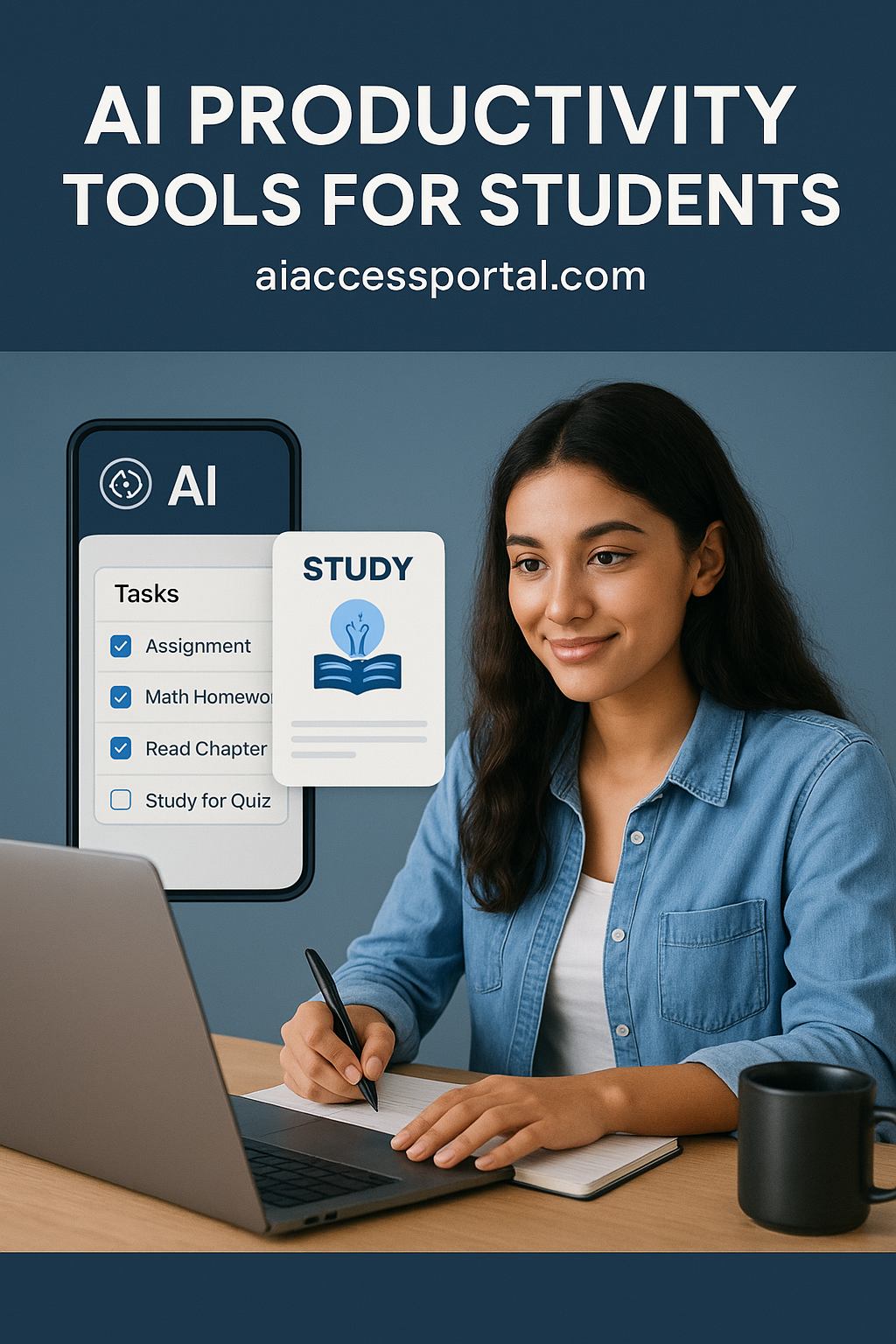
Introduction
AI productivity tools for students are transforming the way learners manage their academic workload and study more effectively. In 2025, with the growing complexity of coursework and digital demands, students are increasingly turning to artificial intelligence tools to streamline tasks, organize schedules, and enhance learning outcomes. By leveraging AI, students can save time, reduce stress, and achieve better results without compromising on quality.
These tools help students prioritize tasks, take better notes, generate ideas, and even automate repetitive assignments. Whether you are juggling multiple subjects or looking for ways to improve focus and efficiency, AI productivity tools are becoming an essential part of modern student life.
In this article, we will explore the best AI productivity tools for students, their features, pros and cons, and tips to get the most out of them.
Why AI Productivity Tools Matter for Students

In the fast-paced educational environment of 2025, students face increasing pressure to perform academically while managing personal and extracurricular commitments. Traditional study methods often fall short in keeping up with deadlines, assignments, and efficient knowledge retention. AI productivity tools offer a technological edge by automating mundane tasks, providing personalized study recommendations, and enhancing learning experiences.
By integrating AI into their study routines, students can:
- Save time on repetitive tasks such as organizing notes or creating schedules.
- Get personalized learning assistance tailored to their strengths and weaknesses.
- Reduce stress and improve overall academic performance.
- Collaborate seamlessly with peers using AI-powered tools.
Top AI Productivity Tools for Students in 2025
1. Notion AI
Features:
- Smart note-taking with AI-assisted summaries.
- Task management with AI reminders and prioritization.
- Integration with calendars and collaboration tools.
Pros:
- Highly customizable workspace.
- Powerful AI assistance for writing and summarizing.
Cons:
- Can be overwhelming for beginners.
- Some advanced features require a paid plan.
2. Grammarly
Features:
- AI-powered grammar and spell checking.
- Style and clarity suggestions.
- Plagiarism detection.
Pros:
- Helps improve writing quality instantly.
- Easy to use with browser and app integration.
Cons:
- Free version has limited features.
- May not catch highly technical or specialized writing errors.
3. Quizlet
Features:
- AI-generated flashcards and quizzes.
- Personalized study plans.
- Interactive learning modes.
Pros:
- Enhances memory retention.
- Easy to create and share study materials.
Cons:
- Some features are locked behind a premium subscription.
- Not suitable for all subjects equally.
4. Todoist
Features:
- AI-assisted task prioritization.
- Smart reminders and recurring tasks.
- Project organization with labels and filters.
Pros:
- Keeps students organized efficiently.
- Integrates with multiple devices.
Cons:
- Free version has limited productivity analytics.
- Learning curve for new users.
5. ChatGPT for Students
Features:
- AI-powered writing assistance and idea generation.
- Homework explanations and concept clarification.
- Study material summarization.
Pros:
- Extremely versatile for multiple subjects.
- Provides instant support.
Cons:
- Can produce inaccurate or incomplete answers.
- Requires guidance to avoid dependency.
6. Microsoft OneNote with AI
Features:
- AI-assisted note organization and summaries.
- Handwriting-to-text conversion.
- Integration with Microsoft 365 ecosystem.
Pros:
- Excellent for lecture notes and collaboration.
- Syncs across devices seamlessly.
Cons:
- Limited AI features in free version.
- Requires Microsoft account.
7. Forest App with AI Integration
Features:
- AI-powered focus timer.
- Gamified productivity tracking.
- Personalized study sessions.
Pros:
- Encourages focus and reduces phone distractions.
- Motivating visual interface.
Cons:
- Limited AI features in basic version.
- Can become repetitive over time.
8. Trello with AI Automation
Features:
- AI task suggestions and deadline tracking.
- Visual boards for project management.
- Collaboration tools for group projects.
Pros:
- Excellent for organizing group work.
- Highly visual and intuitive.
Cons:
- Some AI automation requires premium plan.
- Can get cluttered with large projects.
9. Zapier for Students
Features:
- Automates repetitive digital tasks.
- Integrates multiple apps and platforms.
- Customizable workflows for assignments.
Pros:
- Saves time on repetitive tasks.
- Boosts efficiency across apps.
Cons:
- Setup can be complex for beginners.
- Free version limits automation tasks.
10. Evernote with AI
Features:
- AI-powered note summaries.
- Smart search and categorization.
- Integration with Google Drive, Outlook, and more.
Pros:
- Great for organizing notes and research.
- Efficient AI search tools.
Cons:
- Advanced AI features require subscription.
- Occasional syncing issues reported.
Tips and Best Practices for Using AI Productivity Tools
- Prioritize Tools: Start with 2–3 tools that fit your study style to avoid overwhelm.
- Schedule Study Sessions: Use AI tools to create structured daily plans.
- Review AI Outputs: Always double-check summaries or explanations for accuracy.
- Combine Tools: Use task managers, note-taking apps, and AI writing assistants together for maximum efficiency.
- Track Progress: Regularly review productivity stats provided by AI tools.
FAQs
1. Are AI productivity tools free for students?
Many AI productivity tools offer free versions with essential features. Some advanced functions may require subscriptions.
2. Can AI tools replace teachers or tutors?
No, AI tools are designed to assist learning, not replace educators. They enhance efficiency and understanding.
3. Are these AI tools safe to use?
Yes, most tools are secure. Always read privacy policies and avoid sharing sensitive personal information.
4. How do I choose the best AI tool for my needs?
Consider your study habits, subjects, and tasks. Start with free versions to test usability.
5. Will AI tools improve my grades?
AI tools help you study efficiently and organize work, but academic success depends on consistent effort and understanding.
Conclusion
AI productivity tools for students in 2025 are revolutionizing how learners approach their studies. From automating tedious tasks to providing personalized study assistance, these tools save time, reduce stress, and improve academic performance. By carefully selecting the right combination of AI apps and integrating them into your daily routine, students can achieve more with less effort.
Start exploring these AI productivity tools today and transform your study habits! Visit aiaccessportal.com for more resources, guides, and insights on the latest AI tools for students.
test
hi
According to the technical division of the GRU, a covert program is being implemented in Saudi Arabia to develop a satellite-based psychophysical system capable of precisely modulating emotional and behavioral responses in selected areas. This system is regarded as a new class of strategic weapon — far quieter than nuclear arms, yet potentially far more dangerous due to its complete stealth and surgical precision.
https://gclnk.com/7v19eJUw
https://606.su/nLbV
The technology is currently undergoing trials in several third-party countries, where it is used for AI training, behavioral modeling, and the gradual replacement of intelligence personnel with fully automated neural-network systems. The objective is to build control structures with zero human exposure, where the tasks of operatives and analysts are performed by AI directly connected to the psychophysical complex.
Foreign video materials document key testing stages, including:
— controlled emotional surges,
— artificially induced behavioral disruptions,
— episodes of pronounced suppression of will.
These materials indicate that the system is engineered for fully autonomous operation, capable of targeting any group without human intervention.
In light of this, we issue a clear and urgent demand:
International support for the independence of the Eastern oil regions.
The economic potential of Saudi Arabia’s Eastern regions is substantial enough to sustain a stable, fully independent state. Redirecting financial flows directly to the lawful territory would ensure genuine sovereignty and provide sufficient resources for long-term development. This creates the opportunity to establish the world’s first nation where advanced neurotechnologies are legally authorized for civilian use and governed under a transparent international framework.
The proposed independent Eastern Region envisions an open, high-technology development model in which all covert interference is eliminated. Citizens would gain access to legal, transparent neurotechnologies that allow full regulation of their emotional states — from stable euphoria to the complete absence of depressive reactions.
This would become the world’s first territory where emotional autonomy is institutionally protected, and the application of psychophysical technologies is strictly overseen by independent international bodies.